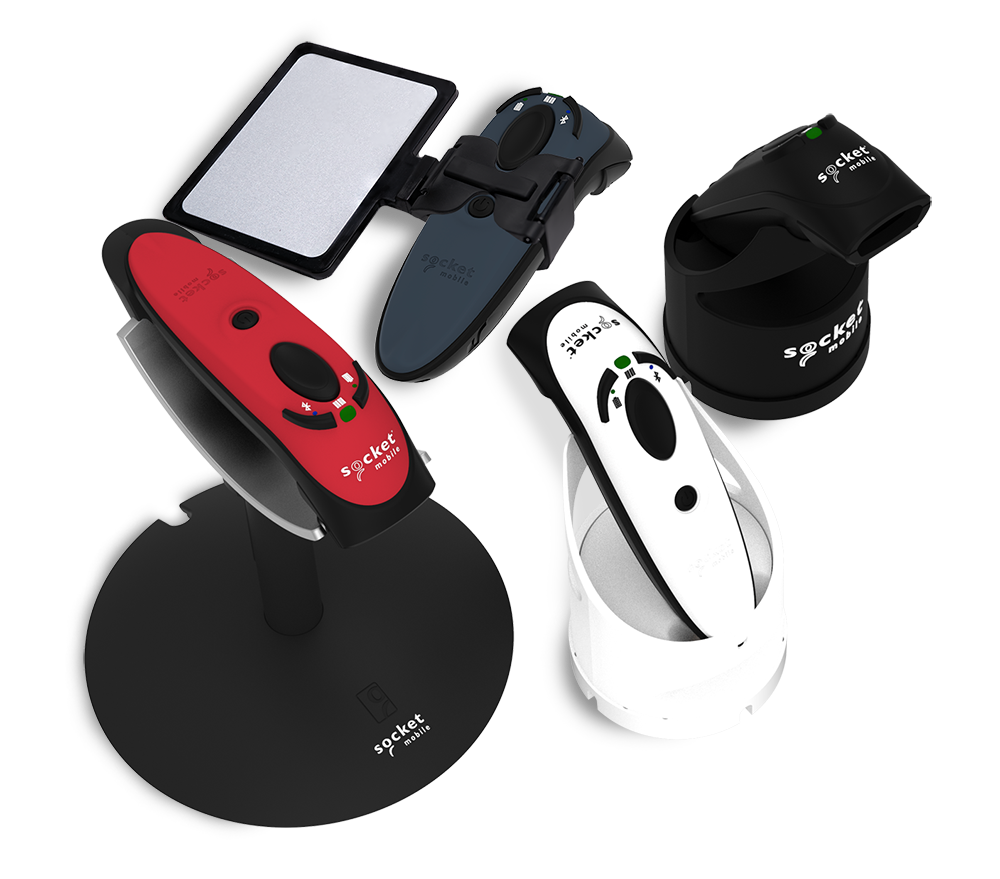
Find product manuals, data sheets, programming guides, images and more. Access all the information you need to know your reader and accessories.
Datasheets are now accessible directly from product pages.
Downloading images... This might take a few moments.
images downloaded. Please configure your browser settings to allow downloads from this site if you do not see them.
Loading...
We value your privacy
We use cookies and similar technologies for site operation and analytics to enhance your experience as described in our Privacy Policy.
Cookies Settings
Your Privacy
We use cookies to store or access information on your browser to ensure the site works as expected and to personalize your experience. This information cannot be used to identify you. We do not collect or store your personal information.
You may choose to disable optional cookies that are not strictly necessary for site functionality. Please note that blocking certain cookies may affect site performance and available features. Learn more
Necessary cookies
These cookies are necessary to the core functionality of our site and its features.
View details
Name
Domain
Type
Purpose
CartIdCookie-Shopify Store WWW
www.socketmobile.com
First-party
Used for cart functionality across the site.
_cf_bm
.vimeo.com
Third-party
Used for Cloudflare Bot Management. Identifies and mitigates malicious bot traffic.
_cfuvid
.vimeo.com
Third-party
Allows Cloudflare's WAF to identify unique users for rate-limiting purposes.
Analytics cookies
These cookies collect information about how the site is being used. They also help to measure effectiveness in our marketing campaigns to curate a personalized site experience for you.
View details
Name
Domain
Type
Purpose
_ga
.socketmobile.com
First-party
Used to distinguish unique users by assigning a randomly generated number as a client identifier, in order to calculate visitor, session and campaign data for analytics reports in Google Universal Analytics.
_ga_<container-id>
.socketmobile.com
First-party
Used by Google Analytics to persist your session state.
vuid
.vimeo.com
Third-party
Vimeo-generated ID used for generating analytics information for the video owner.

 Datasheets are now accessible directly from product pages.