










SM Link replaces traditional Bluetooth pairing with a simple scan-to-connect experience. Users can connect their reader in seconds by scanning a barcode on the device, avoiding manual setup steps and speeding up deployment.
Once connected, the reader remains linked to SM Link, allowing it to be used across multiple systems without reconnecting or adjusting settings. This is especially useful in environments where readers are shared between staff or where users frequently move between devices. This includes retail, hospitality, and logistics operations where staff transition between workstations throughout the day.
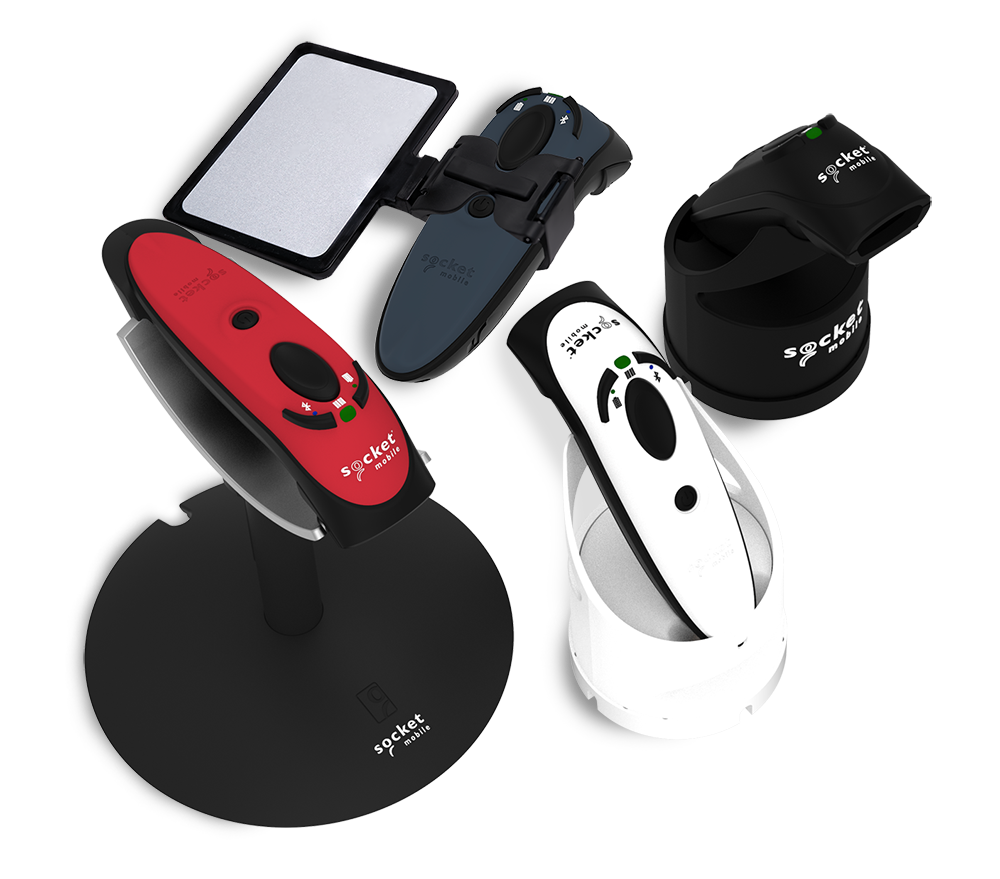
SM Link also enables Apple Wallet pass reading on macOS when used with compatible Socket Mobile NFC readers. The S550 support Apple VAS via CaptureSDK, allowing businesses to read loyalty cards, boarding passes, gift cards, and event tickets directly at the point of interaction. Designed for real-world environments, these professional readers offer clean, counter-ready form factors suited for retail, hospitality, and event entry points.
By connecting through SM Link, it provides a robust and flexible connection model. This helps maintain consistent performance across applications, even as operating systems and software platforms continue to evolve. SM Link is designed to work across iOS, macOS, Android, and Windows environments, giving businesses the flexibility to deploy our NFC, RFID, or barcode scanners across mixed device setups.
When connected, SM Link allows the host device to recognize the reader as a standard USB input. This enables data to be captured instantly in virtually any application without additional drivers or configuration. Supported by Socket Mobile’s CaptureSDK, SM Link enables more advanced data capture capabilities for applications that require greater control and flexibility.
Compatible with the following products:
Features
-
Scan-to-Connect Setup
Pair scanners quickly by scanning a barcode, eliminating manual Bluetooth configuration
-
One-Time Pairing
Stay connected across systems without repeated pairing or setup
-
Consistent Cross-Application Performance
Maintains reliable behavior across applications, even as platforms evolve
-
Works Across Devices and Platforms
Compatible with iOS, macOS, Android, and Windows environments
-
Standard USB Interface
Enables instant data capture in virtually any application
-
Advanced Data Capture with CaptureSDK
Delivers structured data for greater control, improved accuracy, and enhanced application experiences
-
Automatic Mode Switching
Switches between application-driven data capture and standard keyboard input depending on the app in use
-
Reduced IT Overhead
Simplifies deployment, onboarding, and ongoing support
+ View more
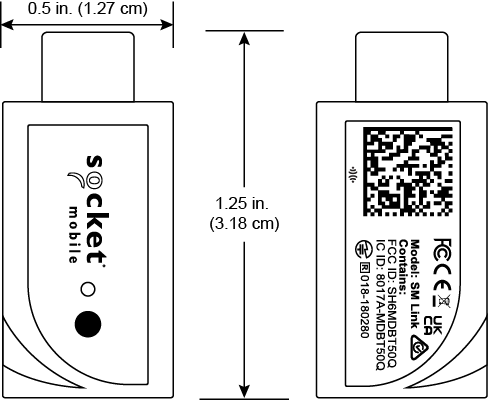
Dimensions
External Control
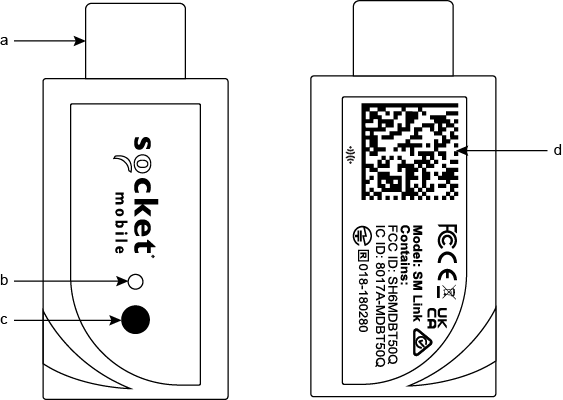
Operating Systems




|
Bluetooth LE |





Already own this product? Share your experience by leaving a review